





Speck Chrysler Jeep Dodge Ram

Blog / Automotive How-To Guides

New 2026 Dodge Durango Bluetooth Setup

dodge-duango-bluetooth

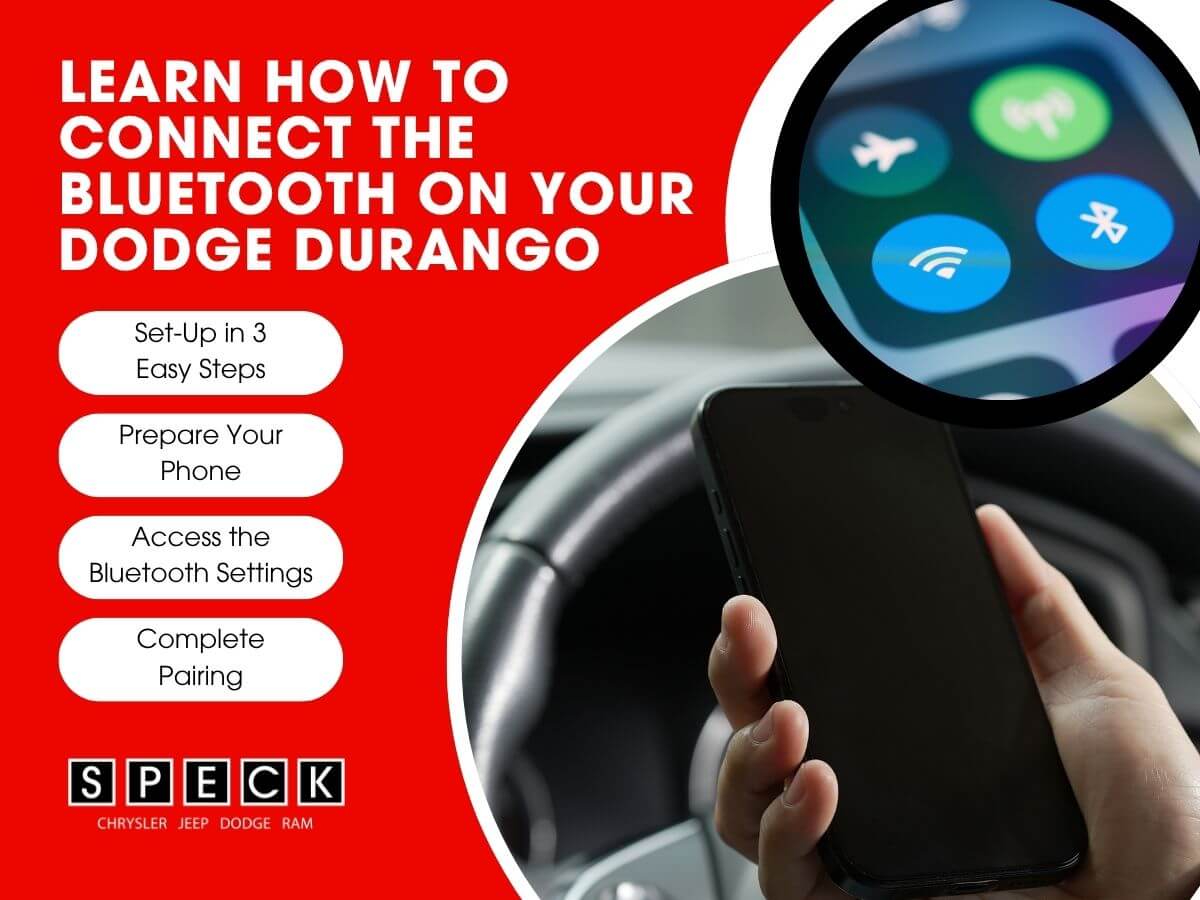
The 2026 Dodge Durango is full of modern technology to keep you connected on the road. The most common feature is Bluetooth connectivity for calls, music, and navigation. At Speck Chrysler Jeep Dodge Ram, we want to make sure you get the most out of your new Durango. After the following steps, we have included a walkthrough video showing you how we got our phone connected.
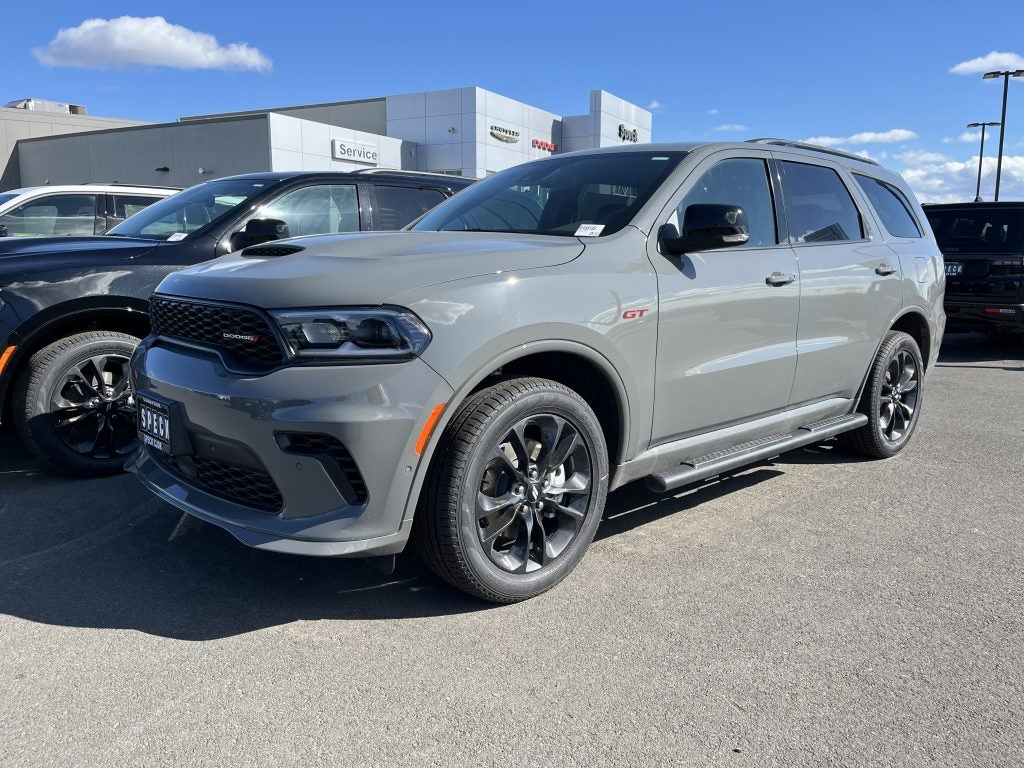
Exterior image of a 2026 Dodge Durango
2026 Dodge Durango

Prepare Your Phone

Before you begin, make sure that your phone's Bluetooth is turned on. You can find this in your phones settings under "Bluetooth" or "Connections." Make sure your phone is not connected to another device. Make sure to keep your phone close to your vehicle while you pair to help the process go smooth.

Access the Durango's Bluetooth Settings
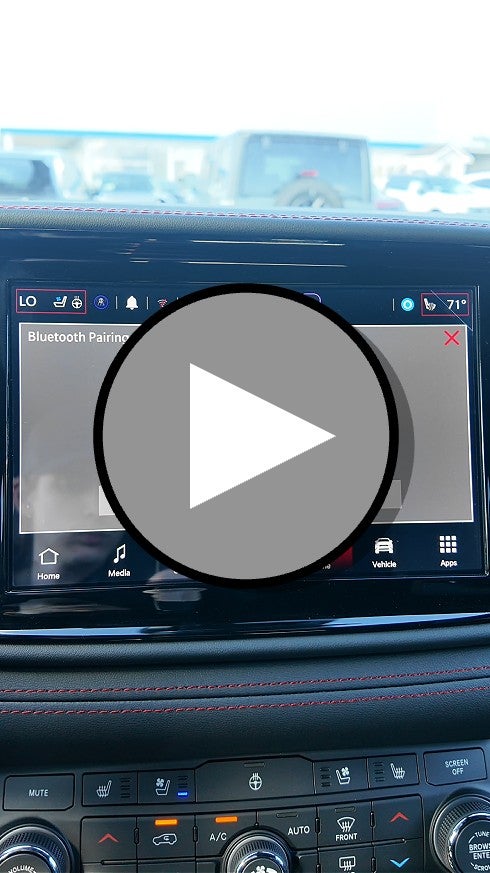
Video Instructions Connecting Bluetooth to Dodge Durango

Start by turning on your Durango and navigate to the "Phone" menu on the infotainment system. Tap the "Settings" icon and then select "Bluetooth." From there, select "Add Device" or "Pair a Device" to begin the pairing process. The system will then make the Durango discoverable to nearby devices.

Complete the Pairing

On your phone, look for the "Uconnect" in your list of available Bluetooth devices. Tap on it to begin the connection. A pairing code may appear on both your phone and on the infotainment screen. Simply confirm the code matches on both screens and accept to complete the pairing.

Final Thoughts

Once paired, your phone will automatically reconnect every time you start your Durango. It is a quick and easy process that makes every drive more enjoyable. If you need any help getting connected, you can stop by Speck Chrysler Jeep Dodge Ram and our team will be happy to assist you. Be sure to check out our full Dodge inventory while you're here.


The information provided is for general informational purposes only and does not constitute legal, financial, or professional advice. While we strive to provide accurate and up-to-date information, we make no guarantees regarding the completeness, accuracy, or reliability of the information presented. Any action you take based on the context of this blog is strictly at your own risk. Always consult a qualified professional or specialist for advice specific to your situation. We are not responsible for any losses or damages arising from the use of this blog or its content.

Posted in:

Related Posts

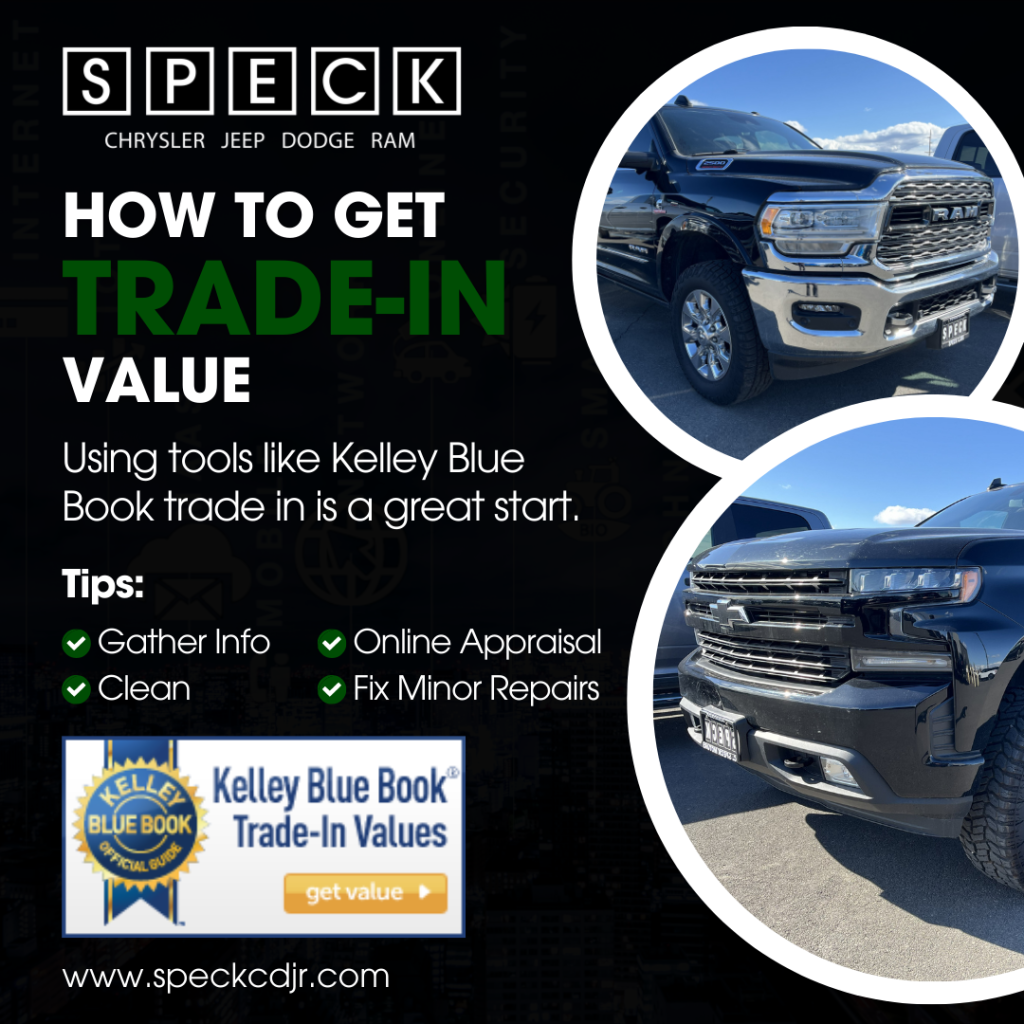
Infographic image of tips to take to get the trade in value of a used truck using Kelley Blue Book

How Can I Get the Trade-In Value on my Used Truck

Trading in your used truck is one of the easiest ways to offset the cost of a new vehicle. Understanding how trade-in value works can help you get the best deal possible. At Speck Chrysler Jeep Dodge Ram, we make the trade-in process simple and straightforward. Using tools like Kelley Blue Book trade in is a great start. What Affects Your Trade-In Value Several factors influence how much your truck is worth. Mileage, condition, age, and market demand all have a factor. A well-maintained truck with lower miles will almost always receive a higher value. Having service records on hand can also work in your favor. How to Prepare Your Truck First impressions matter when bringing in your truck for an appraisal. Give it a thorough wash and clean out the interior before your visit. Take car of any minor repairs that are cost-effective to fix. Small details can make a noticeable differences in your final offer. Getting Your Appraisal The easiest way to start is by using an online trade-in tool, like Kelley Blue Book, all from your home. This gives you a ballpark estimate before you ever step foot in the dealership. From there, bring your truck in and one of our team members will do a full in-person appraisal. We work hard to get you a fair and competitive offer every time. Final Thoughts Knowing your trucks trade-in value puts you in a stronger position when shopping for your next vehicle. The process does not have to be stressful or confusing. Visit Speck Chrysler Jeep Dodge Ram today and let our team walk you through every step of the trade-in process. We see a lot of used trucks Tri Cities and used trucks Yakima and would love to see yours as well. Stop by and check out our large selection of new and used trucks available.

What to Know Before Leasing a Vehicle

Leasing a vehicle is a great option for those who want lower monthly payments. It also provides the ability to easily switch cars every couple years. Before signing a lease, it's important to understand the key aspects of leasing and how it differs from buying. Key Considerations Before Leasing 1. Lease Terms & Mileage Limits Most leases last 24 to 36 months. Leases typically come with annual mileage limits (10,000-15,000 miles per year). Exceeding the mileage limit can result in extra fees per mile 2. Monthly Payments & Costs Leasing usually has lower monthly payments than financing. Be prepared for down payments, acquisition fees, and, disposition fees. You're responsible for maintenance and excess wear-and-tear charges. 3. End-of-Lease Options Return the vehicle and lease a new one. Purchase the leased vehicle if you want to keep it. Extend your lease if you need more time. 4. Insurance Requirements Leased vehicles often require higher coverage limits. GAP insurance may be required to cover potential depreciation gaps. 5. Customization & Restrictions Modifications to leased vehicles are usually not allowed. You must return the vehicle in good condition to avoid extra fees. Lower Your Payments By Leasing Leasing can be a smart financial choice if you prefer lower payments and driving the latest models. Understanding the lease terms and potential costs will help you make an informed decision. Visit our dealership or shop online to explore leasing options that are right for you! Shop New Inventory Apply for Financing The information provided is for general informational purposes only and does not constitute legal, financial, or professional advice. While we strive to provide accurate and up-to-date information, we make no guarantees regarding the completeness, accuracy, or reliability of the information presented. Any action you take based on the context of this blog is strictly at your own risk. Always consult a qualified professional or specialist for advice specific to your situation. We are not responsible for any losses or damages arising from the use of this blog or its content.
Common Reasons for Bluetooth Connection

What to Do if You’re Struggling to Connect the Bluetooth in Your New Dodge

Common Reasons for Bluetooth Connection Issues Before troubleshooting, it’s important to understand some common reasons why Bluetooth might not be working: Compatibility Issues: Not all smartphones are fully compatible with all infotainment systems. Software Glitches: Outdated firmware on your phone or vehicle system can cause connectivity problems. Interference: Other wireless devices or networks may interfere with the connection. Paired Device Limits: The Dodge’s infotainment system may have reached the maximum number of paired devices. Steps to Troubleshoot Bluetooth Connection Issues Ensure Bluetooth is Enabled: Check that Bluetooth is turned on for both your Dodge’s infotainment system and your smartphone. Delete and Re-Pair the Device: Remove your phone from the vehicle’s paired devices list and reconnect it. Restart Both Devices: Turn off and restart your phone and your Dodge’s infotainment system to refresh the connection. Check for Software Updates: Make sure your phone’s operating system and your Dodge’s infotainment software are up to date. Clear Paired Devices: If your vehicle has too many paired devices, remove some old connections and try again. Ensure Proper Pairing Process: Follow the steps outlined in your owner’s manual for pairing your phone correctly. Try Another Device: Test the connection with a different phone to determine if the issue is specific to your device. When to Seek Professional Help If you’ve tried these steps and are still having trouble, consider: Contacting Dodge Support: Your vehicle’s manufacturer may have specific troubleshooting tips. Visiting a Dealership: A technician can check for software updates and diagnose any hardware-related issues. Consulting Your Owner’s Manual: Some connectivity issues can be resolved by following Dodge’s official guidelines. Bluetooth Connectivity Help Bluetooth connectivity issues can be frustrating, but with some simple troubleshooting steps, you can often resolve the problem quickly. If issues persist, don’t hesitate to schedule a service appointment at Speck Chrysler Dodge Jeep Ram. Schedule Service Appointment The information provided is for general informational purposes only and does not constitute legal, financial, or professional advice. While we strive to provide accurate and up-to-date information, we make no guarantees regarding the completeness, accuracy, or reliability of the information presented. Any action you take based on the context of this blog is strictly at your own risk. Always consult a qualified professional or specialist for advice specific to your situation. We are not responsible for any losses or damages arising from the use of this blog or its content.