


If you own a new Jeep, Ram, or Dodge vehicle, you may have access to one of the most convenient features available on any modern vehicle today. Remote start allows you to start your engine from virtually anywhere using your key fob or the Uconnect smartphone app. Here is everything Sunnyside and Yakima Valley CDJR owners need to know about remote start from our team at Speck CDJR.
Why Remote Start Matters in the Yakima Valley
Summer Heat
Kennewick, Richland, Pasco, and Sunnyside regularly experience summer temperatures exceeding 100 degrees Fahrenheit. A vehicle parked in the sun can reach interior temperatures of 140 to 160 degrees during peak summer heat. Remote starting your Jeep, Ram, or Dodge 10 to 15 minutes before you get in allows the AC to cool the interior to a comfortable temperature before you ever open the door.
Winter Cold
Eastern Washington winters bring freezing temperatures that make cold vehicle interiors genuinely uncomfortable and potentially dangerous. Remote starting your vehicle before departure allows the heater to warm the cabin and begin defrosting your windshield. A pre-warmed engine also reduces cold start wear on internal components during frigid Yakima Valley winter mornings.
How Does Remote Start Work?
When you activate remote start, a signal is sent to your vehicle's body control module instructing it to start the engine. Your vehicle checks several safety conditions before allowing the engine to start remotely. All doors must be closed and locked, the hood must be fully closed, and the transmission must be in Park. Your engine then runs at idle for a preset period while your climate control activates based on your last settings.
Remote Start Safety Features
- The transmission must be in Park before remote start will activate
- All doors must be closed and the vehicle must be locked before remote start is available
- If someone opens a door during a remote start session the engine shuts down automatically
- Pressing the brake pedal during remote start shuts the engine off unless a valid key is present
- The engine automatically shuts off after the preset run time if you do not enter and drive
Using Remote Start With Your Key Fob
Press the lock button once on your key fob to ensure your vehicle is locked. Then press and hold the remote start button marked with a circular arrow symbol for approximately two seconds. Your vehicle's lights will flash and the engine will begin running. Standard key fob remote start typically works within a range of approximately 100 to 300 feet depending on your specific vehicle and any obstructions.
Using Remote Start With the Uconnect App
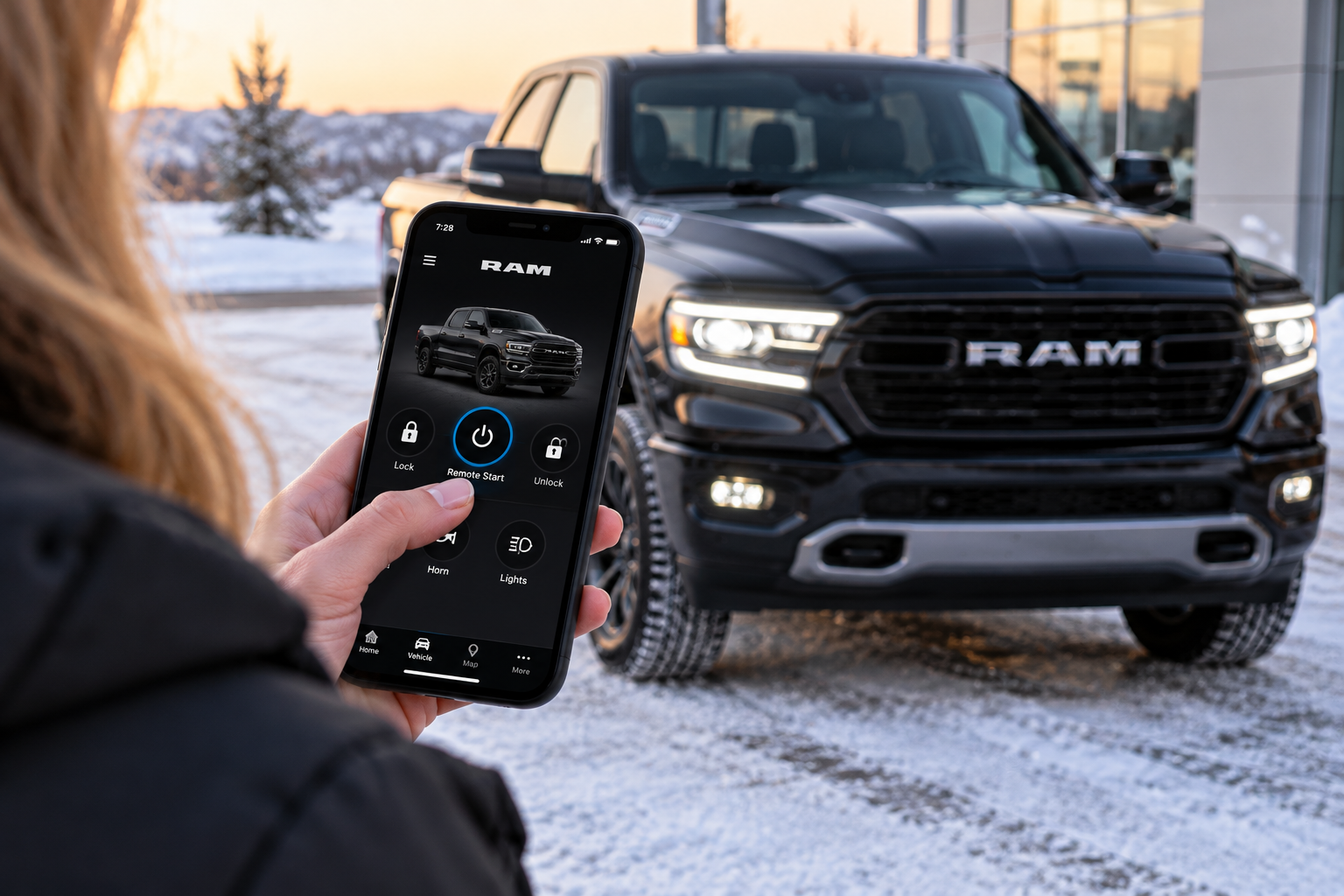
The Uconnect app provides significantly more capability than the standard key fob including virtually unlimited remote start range from anywhere with a cellular signal. Here is how to get set up and use remote start through the Uconnect app:
Step 1: Download the Uconnect App
Download the free Uconnect app from the App Store on iPhone or Google Play Store on Android.
Step 2: Create Your Account and Add Your Vehicle
Create a free Uconnect account and add your vehicle by entering your VIN or scanning the QR code in your owner information packet. Follow the on-screen prompts to complete the vehicle registration and pairing process.
Step 3: Activate Your Connected Services Subscription
Remote start through the Uconnect app requires an active connected services subscription. New vehicle purchases typically include a trial period at no additional cost. Contact our team at Speck CDJR for current subscription pricing and options for your specific vehicle.
Step 4: Remote Start Your Vehicle
Open the Uconnect app and tap the Remote Start button on the home screen. Confirm the activation and the app sends the start command to your vehicle through the cellular network. You will receive a confirmation notification within a few seconds confirming your vehicle has started successfully.
Step 5: Enter and Drive
Enter your vehicle normally and press the brake pedal with your key fob or phone present. Your vehicle seamlessly transitions from remote start mode to normal driving mode without any interruption.
Uconnect App Remote Start Tips
Set a Comfortable Pre-Drive Temperature
Always set your climate control to your preferred temperature before exiting your vehicle each day. Your Jeep, Ram, or Dodge will use those settings automatically during the next remote start session.
Use the Scheduled Start Feature
Many Uconnect vehicles support a scheduled remote start that automatically starts your vehicle at a preset time each morning. Set a scheduled start for 15 minutes before your typical departure time during summer and winter months.
Check Your Vehicle Status Before Remote Starting
Verify that all doors are closed and the vehicle is locked before attempting a remote start. A door or hood that is ajar will prevent remote start from activating regardless of how many times you attempt it.
Which Models Have Remote Start?
Remote start is available on a wide range of Jeep, Ram, and Dodge models at Speck CDJR. Here is a general overview:
Jeep: Wrangler, Grand Cherokee, Gladiator, and Compass on select trims
Ram: Ram 1500, Ram 2500 HD, and Ram 3500 HD on select trims
Dodge: Dodge Durango and Dodge Hornet on select trims
Always verify remote start availability on your specific trim level with our team at Speck CDJR before purchasing. Remote start availability varies by trim and may require a specific technology or convenience package.
Get Help Setting Up Remote Start at Speck CDJR
Have questions about setting up remote start or the Uconnect app on your Jeep, Ram, or Dodge? Our team at Speck CDJR in Sunnyside is here to help you get the most out of every feature in your new vehicle. Here is how to reach us:
- Online: Visit our website and submit an inquiry or schedule a technology walkthrough
- By Phone: Call our sales or service team directly
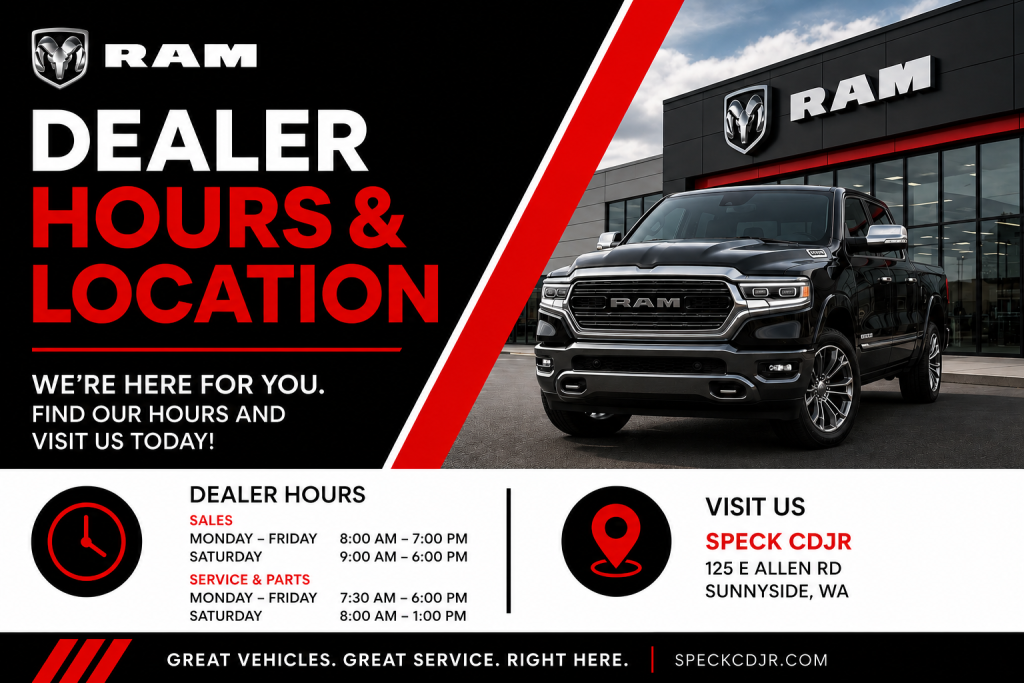
- Walk-In: Stop by during business hours for a complete remote start setup walkthrough
We want every Speck CDJR customer to feel completely comfortable with every feature in their new vehicle. Stop by Speck CDJR in Sunnyside today and let our team walk you through the complete Uconnect remote start setup process.