





Speck Chrysler Jeep Dodge Ram

Blog / Automotive How-To Guides

Blog

All Automotive How-To Guides Car Tips Automotive Service and Repair Jeep Ram Chrysler Dodge Auto Parts Automotive Financing Automotive Lease Fleet and Commercial Vehicles Holiday Trade-in Value Used Cars, Trucks and SUVs Dealership Blog Local Events
dodge-duango-bluetooth

New 2026 Dodge Durango Bluetooth Setup

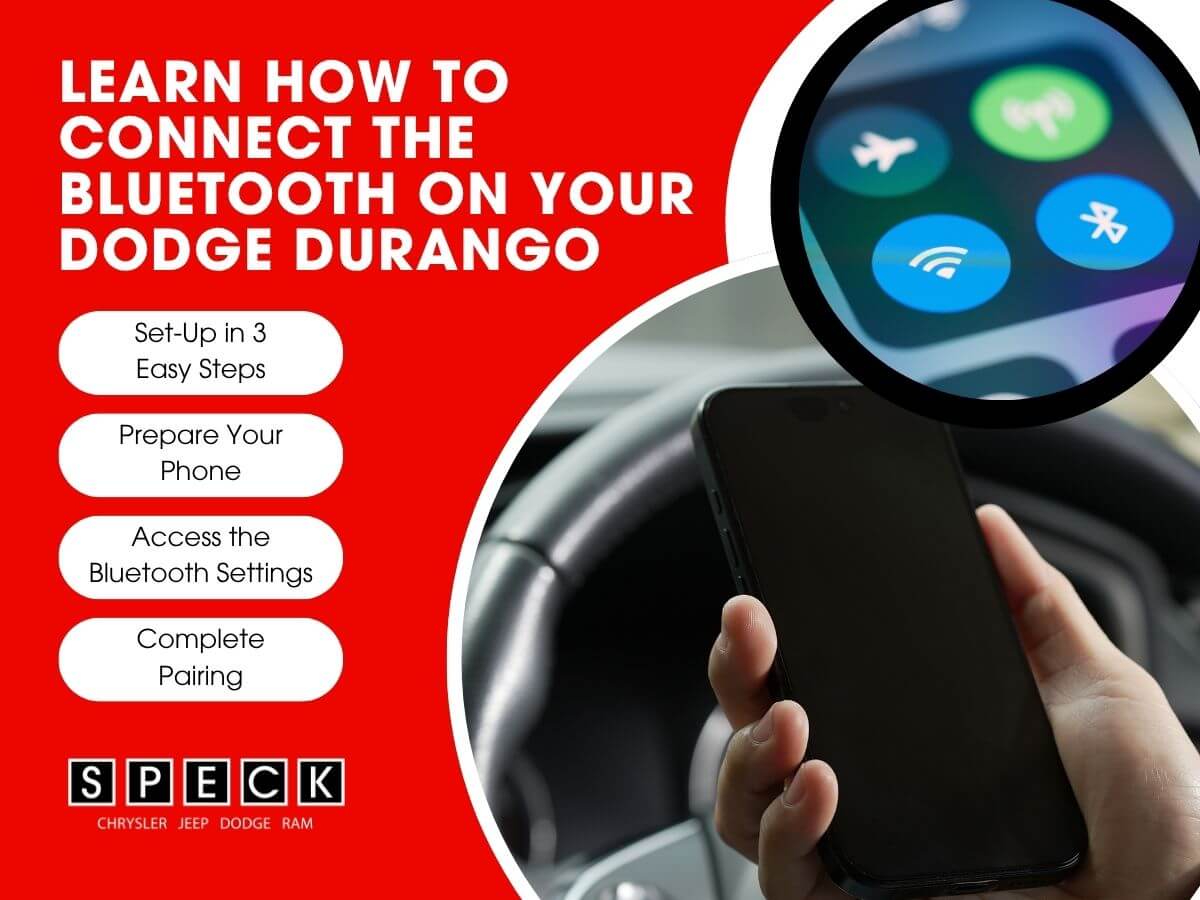
The 2026 Dodge Durango is full of modern technology to keep you connected on the road. The most common feature is Bluetooth connectivity for calls, music, and navigation. At Speck Chrysler Jeep Dodge Ram, we want to make sure you get the most out of your new Durango. After the following steps, we have included a walkthrough video showing you how we got our phone connected. 2026 Dodge Durango Prepare Your Phone Before you begin, make sure that your phone's Bluetooth is turned on. You can find this in your phones settings under "Bluetooth" or "Connections." Make sure your phone is not connected to another device. Make sure to keep your phone close to your vehicle while you pair to help the process go smooth. Access the Durango's Bluetooth Settings Video Instructions Connecting Bluetooth to Dodge Durango Start by turning on your Durango and navigate to the "Phone" menu on the infotainment system. Tap the "Settings" icon and then select "Bluetooth." From there, select "Add Device" or "Pair a Device" to begin the pairing process. The system will then make the Durango discoverable to nearby devices. Complete the Pairing On your phone, look for the "Uconnect" in your list of available Bluetooth devices. Tap on it to begin the connection. A pairing code may appear on both your phone and on the infotainment screen. Simply confirm the code matches on both screens and accept to complete the pairing. Final Thoughts Once paired, your phone will automatically reconnect every time you start your Durango. It is a quick and easy process that makes every drive more enjoyable. If you need any help getting connected, you can stop by Speck Chrysler Jeep Dodge Ram and our team will be happy to assist you. Be sure to check out our full Dodge inventory while you're here. New Durango Inventory The information provided is for general informational purposes only and does not constitute legal, financial, or professional advice. While we strive to provide accurate and up-to-date information, we make no guarantees regarding the completeness, accuracy, or reliability of the information presented. Any action you take based on the context of this blog is strictly at your own risk. Always consult a qualified professional or specialist for advice specific to your situation. We are not responsible for any losses or damages arising from the use of this blog or its content.
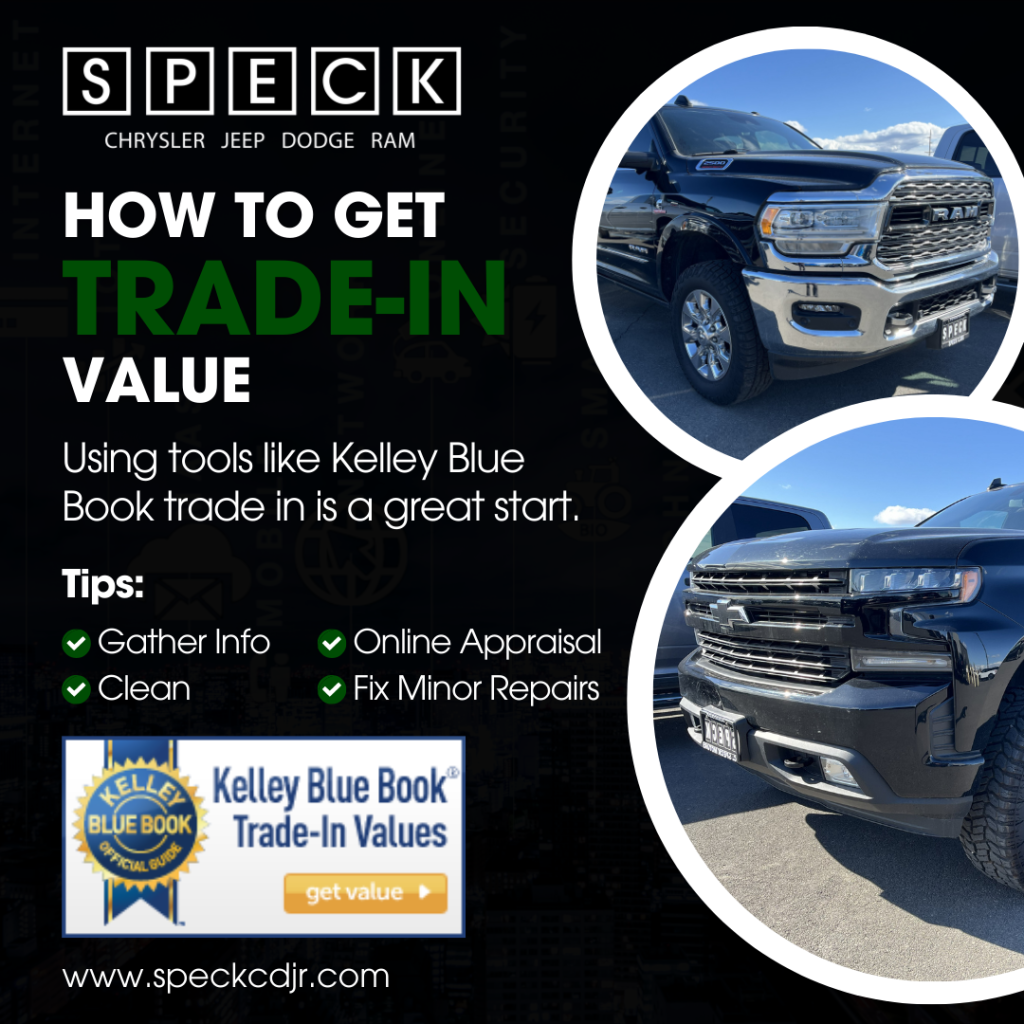
Infographic image of tips to take to get the trade in value of a used truck using Kelley Blue Book

How Can I Get the Trade-In Value on my Used Truck

Trading in your used truck is one of the easiest ways to offset the cost of a new vehicle. Understanding how trade-in value works can help you get the best deal possible. At Speck Chrysler Jeep Dodge Ram, we make the trade-in process simple and straightforward. Using tools like Kelley Blue Book trade in is a great start. What Affects Your Trade-In Value Several factors influence how much your truck is worth. Mileage, condition, age, and market demand all have a factor. A well-maintained truck with lower miles will almost always receive a higher value. Having service records on hand can also work in your favor. How to Prepare Your Truck First impressions matter when bringing in your truck for an appraisal. Give it a thorough wash and clean out the interior before your visit. Take car of any minor repairs that are cost-effective to fix. Small details can make a noticeable differences in your final offer. Getting Your Appraisal The easiest way to start is by using an online trade-in tool, like Kelley Blue Book, all from your home. This gives you a ballpark estimate before you ever step foot in the dealership. From there, bring your truck in and one of our team members will do a full in-person appraisal. We work hard to get you a fair and competitive offer every time. Final Thoughts Knowing your trucks trade-in value puts you in a stronger position when shopping for your next vehicle. The process does not have to be stressful or confusing. Visit Speck Chrysler Jeep Dodge Ram today and let our team walk you through every step of the trade-in process. We see a lot of used trucks Tri Cities and used trucks Yakima and would love to see yours as well. Stop by and check out our large selection of new and used trucks available.

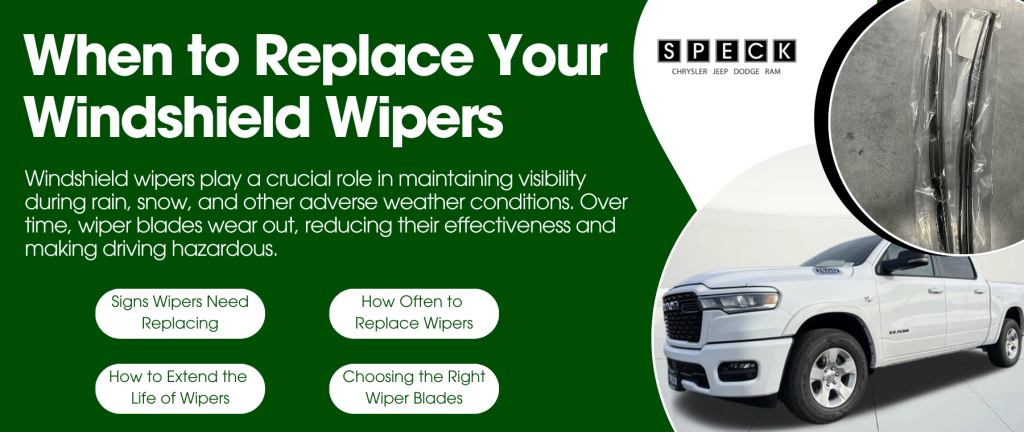
Informative graphic showing when you should replace your windshield wipers

When to Replace Your Windshield Wipers

Windshield wipers play a crucial role in maintaining visibility during rain, snow, and other adverse weather conditions. Over time, wiper blades wear out, reducing their effectiveness and making driving hazardous. Knowing when to replace your windshield wipers ensures optimal performance and safety on the road. 1. Signs That Your Windshield Wipers Need Replacing If you notice any of the following signs, it's time to replace your wipers: Streaking or Smearing: If your wipers leave streaks on the windshield, they may be worn out or have dirt buildup. Skipping or Chattering: Wipers that bounce or skip across the glass indicate hardened rubber or an uneven edge Squeaking Noises: A loud, high-pitched squeak often means the rubber is dry and no longer making proper contact with the glass. Cracked or Torn Rubber: Inspect the blades for visible cracks or splits, which reduces their effectiveness. Reduced Visibility in Rain or Snow: If your wipers struggle to clear the windshield properly, replacing them can improve your visibility and safety. 2. How Often Should You Replace Windshield Wipers? Most experts recommend replacing windshield wipers every 6 to 12 months, but factors like climate and usage may affect their lifespan. Consider replacing them sooner if you: Frequently drive in extreme weather conditions (heat, cold, rain, or snow). Notice a significant drop in performance. See visible wear or damage on the blades. 3. How to Extend the Life of Your Windshield Wipers To maximize the lifespan of your wipers, follow these maintenance tips: Clean Your Windshield Regularly: Dirt and debris can cause excessive wear on the rubber blades. Wipe Down the Blades: Use a damp cloth or wiper cleaner to remove buildup and keep the rubber flexible. Lift Wipers During Freezing Weather: Prevent ice buildup that can crack or tear the rubber. Use the Right Washer Fluid: Avoid harsh chemicals that may degrade the rubber over time. Replace Wipers in Pairs: Ensure even performance by changing both wipers at the same time. 4. Choosing the Right Wiper Blades When selecting new wipers, consider the following options: Conventional Blades: Standard, budget-friendly option found on most vehicles. Beam Blades: More durable, better at handling extreme weather, and offer a sleeker design. Hybrid Blades: Combine durability and aerodynamic efficiency for improved performance. Check your vehicle's owner's manual for the correct size and type of wipers before purchasing replacements. Windshield Wiper Info Replace Your Windshield Wipers Today Windshield wipers are essential for clear visibility and safe driving. Don't wait until a storm hits, inspect and replace your wipers as needed to stay safe on the road. Contact the Speck Chrysler Jeep Dodge Ram service department and talk to our trained professionals. Schedule Service Appointment The information provided is for general informational purposes only and does not constitute legal, financial, or professional advice. While we strive to provide accurate and up-to-date information, we make no guarantees regarding the completeness, accuracy, or reliability of the information presented. Any action you take based on the context of this blog is strictly at your own risk. Always consult a qualified professional or specialist for advice specific to your situation. We are not responsible for any losses or damages arising from the use of this blog or its content.
What to Know Before Leasing a Vehicle

Leasing a vehicle is a great option for those who want lower monthly payments. It also provides the ability to easily switch cars every couple years. Before signing a lease, it's important to understand the key aspects of leasing and how it differs from buying. Key Considerations Before Leasing 1. Lease Terms & Mileage Limits Most leases last 24 to 36 months. Leases typically come with annual mileage limits (10,000-15,000 miles per year). Exceeding the mileage limit can result in extra fees per mile 2. Monthly Payments & Costs Leasing usually has lower monthly payments than financing. Be prepared for down payments, acquisition fees, and, disposition fees. You're responsible for maintenance and excess wear-and-tear charges. 3. End-of-Lease Options Return the vehicle and lease a new one. Purchase the leased vehicle if you want to keep it. Extend your lease if you need more time. 4. Insurance Requirements Leased vehicles often require higher coverage limits. GAP insurance may be required to cover potential depreciation gaps. 5. Customization & Restrictions Modifications to leased vehicles are usually not allowed. You must return the vehicle in good condition to avoid extra fees. Lower Your Payments By Leasing Leasing can be a smart financial choice if you prefer lower payments and driving the latest models. Understanding the lease terms and potential costs will help you make an informed decision. Visit our dealership or shop online to explore leasing options that are right for you! Shop New Inventory Apply for Financing The information provided is for general informational purposes only and does not constitute legal, financial, or professional advice. While we strive to provide accurate and up-to-date information, we make no guarantees regarding the completeness, accuracy, or reliability of the information presented. Any action you take based on the context of this blog is strictly at your own risk. Always consult a qualified professional or specialist for advice specific to your situation. We are not responsible for any losses or damages arising from the use of this blog or its content.

Common Reasons for Bluetooth Connection

What to Do if You’re Struggling to Connect the Bluetooth in Your New Dodge

Common Reasons for Bluetooth Connection Issues Before troubleshooting, it’s important to understand some common reasons why Bluetooth might not be working: Compatibility Issues: Not all smartphones are fully compatible with all infotainment systems. Software Glitches: Outdated firmware on your phone or vehicle system can cause connectivity problems. Interference: Other wireless devices or networks may interfere with the connection. Paired Device Limits: The Dodge’s infotainment system may have reached the maximum number of paired devices. Steps to Troubleshoot Bluetooth Connection Issues Ensure Bluetooth is Enabled: Check that Bluetooth is turned on for both your Dodge’s infotainment system and your smartphone. Delete and Re-Pair the Device: Remove your phone from the vehicle’s paired devices list and reconnect it. Restart Both Devices: Turn off and restart your phone and your Dodge’s infotainment system to refresh the connection. Check for Software Updates: Make sure your phone’s operating system and your Dodge’s infotainment software are up to date. Clear Paired Devices: If your vehicle has too many paired devices, remove some old connections and try again. Ensure Proper Pairing Process: Follow the steps outlined in your owner’s manual for pairing your phone correctly. Try Another Device: Test the connection with a different phone to determine if the issue is specific to your device. When to Seek Professional Help If you’ve tried these steps and are still having trouble, consider: Contacting Dodge Support: Your vehicle’s manufacturer may have specific troubleshooting tips. Visiting a Dealership: A technician can check for software updates and diagnose any hardware-related issues. Consulting Your Owner’s Manual: Some connectivity issues can be resolved by following Dodge’s official guidelines. Bluetooth Connectivity Help Bluetooth connectivity issues can be frustrating, but with some simple troubleshooting steps, you can often resolve the problem quickly. If issues persist, don’t hesitate to schedule a service appointment at Speck Chrysler Dodge Jeep Ram. Schedule Service Appointment The information provided is for general informational purposes only and does not constitute legal, financial, or professional advice. While we strive to provide accurate and up-to-date information, we make no guarantees regarding the completeness, accuracy, or reliability of the information presented. Any action you take based on the context of this blog is strictly at your own risk. Always consult a qualified professional or specialist for advice specific to your situation. We are not responsible for any losses or damages arising from the use of this blog or its content.
How To Clean Your Engine

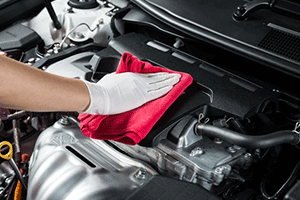
Cleaning car engine. We all love having a clean car, but the engine is not something we typically clean during normal car washes. Engine cleaning takes time and special care in order to do the job properly without damaging any components. In preparation, always make sure that the weather is on your side while the engine dries after cleaning. Just like oil inspections, the vehicle’s engine needs to be cooled off because working with a hot engine is dangerous and can lead to injury. It’s also important to have a good cleaner/engine degreaser that will get the job done. Brands such as Chevron, Restore, Griot’s, Simple Green (natural degreaser) and more all make these products. Be sure to follow the directions on the bottle carefully. Start by covering all electrical parts, electronics and wires with plastic to avoid getting these components wet. You can also remove the battery or battery cables, removing the negative cable first to avoid a short in the circuit. Use a brush to wipe any debris or dirt throughout your engine. Spray the engine with degreaser thoroughly and with caution to the electrical parts, and scrub it in with a stiff, synthetic-bristle brush to remove any caked on engine grease. Let it soak for at least 5 minutes. Rinse your engine with a regular, low pressure hose. If you have a nozzle available, set it on a small stream setting. You want to take all precautions to avoid the electrical components! Be sure to also rinse the exterior of your vehicle in case any degreasing product made its way on your paint. Dry your engine with an absorbent shop towel or compressed air for all those small areas. Take the plastic off and make sure no electrical components are dry. You can then replace the battery or negative cable. Let your engine area air dry the rest of the way before running your vehicle. Time for a detail? Schedule your detail appointment easily online. Schedule Service Service Specials The information provided is for general informational purposes only and does not constitute legal, financial, or professional advice. While we strive to provide accurate and up-to-date information, we make no guarantees regarding the completeness, accuracy, or reliability of the information presented. Any action you take based on the context of this blog is strictly at your own risk. Always consult a qualified professional or specialist for advice specific to your situation. We are not responsible for any losses or damages arising from the use of this blog or its content.
Summer Car Care Tips

Make sure your coolant system is working properly. The cooling system keeps your engine from overheating, which can be an occurrence more likely to happen in the heat of the Summer season. Check hoses for any leaks or cracks, and ensure your coolant is clean and topped off. If your vehicle may need it, a coolant flush is a good idea to schedule. Keep your fluids up. The fluids inside your vehicle are key to keep everything working in proper order. Fluids work hard to keep your engine systems cool in the extreme heat. Your fluids include brake fluid, power steering fluid, coolant, transmission fluid, and the most regularly checked — motor oil. Oil should be changed regularly in order for a smooth-running engine. Inspect your brakes. When braking, especially from high speeds, the friction produces a lot of heat. The extra heat from the Summer can create even more wear on your brakes. It is a good idea to get your brakes inspected to ensure that your brakes are ready to handle the Summer roads. Check your tire pressure regularly. Whether it is drastic heat or drastic cold, the outside temperature can have an effect on your tire pressure. Heat can cause your tire pressure to increase, and a sudden drop of temperature can do just the opposite to your tires. It’s a good idea to give a good glance over your tires before you head out on your way, and be sure to get a professional inspection regularly to make sure your tires are healthy. Schedule your summer car care maintenance online or call 509-402-2588 today. Schedule Service The information provided is for general informational purposes only and does not constitute legal, financial, or professional advice. While we strive to provide accurate and up-to-date information, we make no guarantees regarding the completeness, accuracy, or reliability of the information presented. Any action you take based on the context of this blog is strictly at your own risk. Always consult a qualified professional or specialist for advice specific to your situation. We are not responsible for any losses or damages arising from the use of this blog or its content.

Eco-Friendly Driving Tips

Earth Day is coming up, and we want to provide some great tips on reducing your carbon footprint during your weekly commutes! With these tips, you’ll be on the right track to saving time, saving fuel, and saving the planet. Consolidate Your Trips Making small trips to complete errands throughout your week can add to your carbon footprint. Sending those packages, getting groceries and maybe a haircut — if you can plan some time in your week, these errands can be completed all in the same trip. Carpool When Available Carpooling is a great way to save you and your friends, coworkers or classmates the extra fuel, emissions, and time finding a parking spot. With those 3 extra passengers that would normally drive individually, that’s three extra vehicles off the road. Use Public Transportation Public transportation will always be available, and is a great way to get around. Even using public transportation just a few times a week can save miles, fuel, and reduce your carbon footprint. Many public transportation systems have core values to increase environmental quality and encourage alternative transportation opposed to a Single Occupancy Vehicle. Avoid Driving Aggressively Putting the pedal to the medal at every green light causes your engine to work harder than it needs to, and expending unnecessary amounts of fuel. Take it slower. Clear Out Unnecessary Items in Your Car Even if they are small items, the weight adds up. Added weight to the car creates more work for the engine, which will use more fuel and energy! Be sure to keep your vehicle free of those extra items. Shop Eco-Friendly Used Inventory Explore Electric Vehicles The information provided is for general informational purposes only and does not constitute legal, financial, or professional advice. While we strive to provide accurate and up-to-date information, we make no guarantees regarding the completeness, accuracy, or reliability of the information presented. Any action you take based on the context of this blog is strictly at your own risk. Always consult a qualified professional or specialist for advice specific to your situation. We are not responsible for any losses or damages arising from the use of this blog or its content.
How to Get the Most Out of Your Test Drive

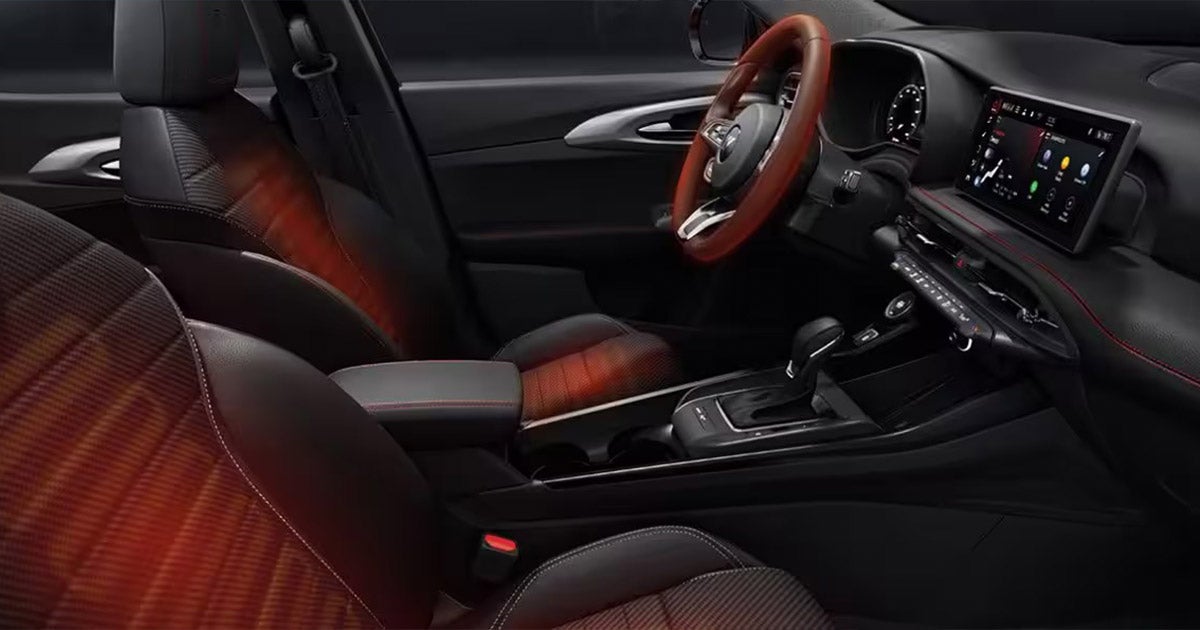
Do Your Research Knowing what you are looking for by choosing a few vehicles of interest helps to narrow down your vehicle search and prevents the need to test drive any car that you would not be interested in. Heated seats and great mileage a must have? Narrow those choices down before you head to the dealer. Schedule Appointment Online Set Up an Appointment Setting a test drive appointment not only helps us, but helps you as well. You can always come on in and test drive during our open hours, but this could mean more time searching and less time driving. Setting up a test drive appointment with us ensures that we can get your vehicle choices cleaned and ready to drive so there’s no waiting or looking for the vehicle. Our Speck Family Dealerships have more than one lot where we keep all of our inventory, so making your appointment is the most convenient route for both of us! Ask Questions We always want to make sure you have all the information you are looking for! Do not be afraid to ask questions during your test drive. These questions include not only questions for our sales team and management, but also questions for yourself. When you’re taking your test drive, be sure to go through your mental checklist! Here are some example questions to ask yourself: Does this vehicle have everything I need? Will I need this much space? Will I need more space? Is this something my family will enjoy? Whether you have financial questions, vehicle history questions or even miscellaneous questions, we are always happy to help. Asking questions and getting all the information you need can not only make the test-driving and car-buying process go smoothly, but also gives you peace-of-mind about the big purchase you’re making. Call the experts at Speck Chrysler Jeep Dodge Ram for more information or schedule your test drive online. Schedule Your Test Drive The information provided is for general informational purposes only and does not constitute legal, financial, or professional advice. While we strive to provide accurate and up-to-date information, we make no guarantees regarding the completeness, accuracy, or reliability of the information presented. Any action you take based on the context of this blog is strictly at your own risk. Always consult a qualified professional or specialist for advice specific to your situation. We are not responsible for any losses or damages arising from the use of this blog or its content.

Contact Us

Fill out this form below and we'll contact you shortly
*Required Fields